


Legal and business tips
-
Digital withdrawal function
9 Jun 2026
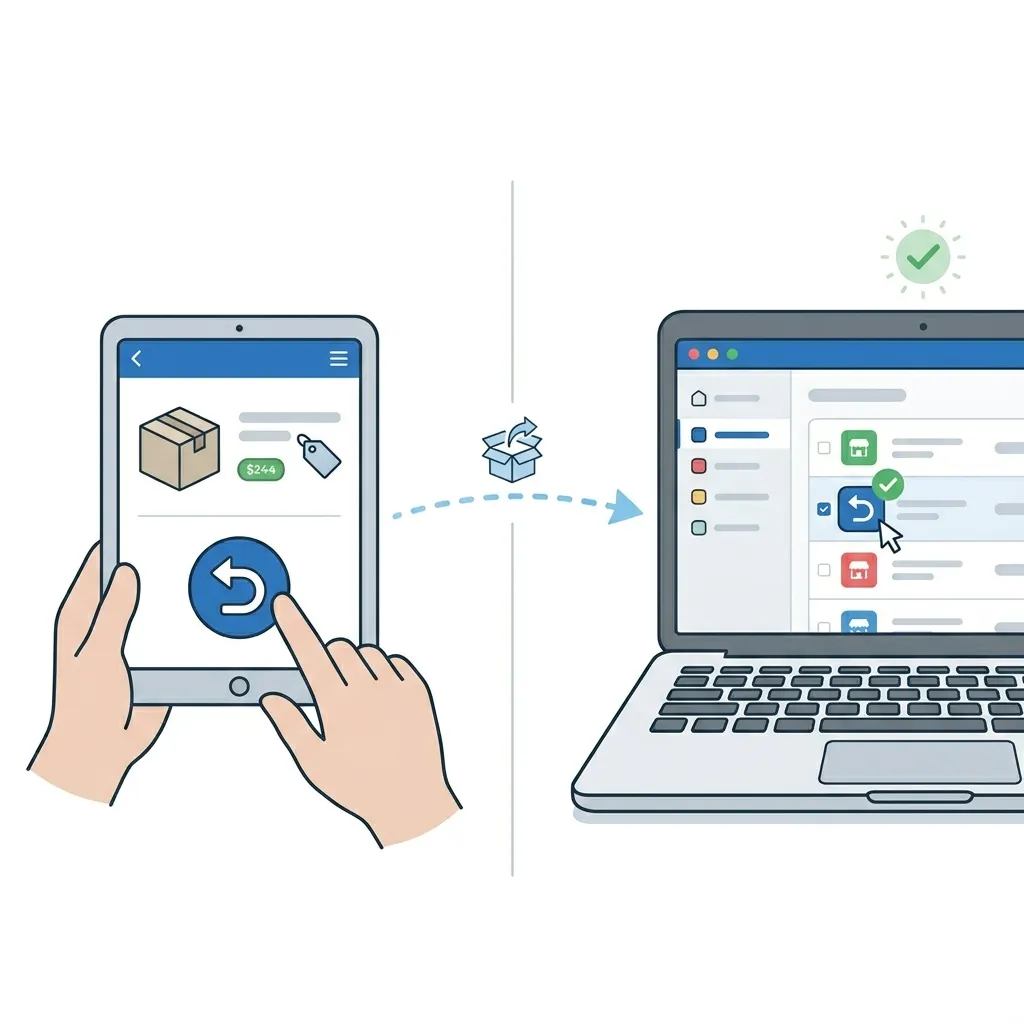
On June 19, 2026, new amendments to the Distance Contracts Act (DAL) will enter into force. The biggest change is the requirement for a digital withdrawal function - popularly known as the 'undo button'. The aim of the law is to strengthen online consumer protection and counteract so-called 'dark patterns' (designs that make it difficult for the customer to cancel or change something). In short: it should now be as easy for a customer to cancel a purchase online as it was to complete it.New Legal Requirement: The "Cancel Button" in E-commerce On June 19, 2026, new amendments to the Distance Contracts Act (DAL) will take effect. The most significant change is the requirement for a digital cancellation feature —commonly known as the “cancel button.” The purpose of the law is to strengthen consumer protection online and combat so-called “dark patterns” (designs that make it difficult for customers to cancel or change a purchase). In short: it should now be just as easy for a customer to cancel an online purchase as it was to make it. A new legal requirement means that online stores must provide customers with a simple, digital way to exercise their right of withdrawal—without having to call or send a manual email. Important: Deadline June 19,If your online store lacks this feature after June 19, it may be considered a violation of the Marketing Act, which could result in penalties and a significant extension of the customer’s cancellation period. What does this mean for you as an e-retailer? Clear and easily accessible feature: You must provide a clearly placed feature (e.g., on “My Account” or via a direct link in the order confirmation) where the customer can indicate that they wish to exercise their right of withdrawal. The customer should not have to call or send a manual email. Immediate confirmation: When a customer clicks to cancel their purchase, the system must automatically send a confirmation (a receipt) to the customer immediately. Unchanged cancellation period: The right of cancellation itself remains unchanged—the 14-day cancellation period still applies to goods and services covered by the law. It is only the way customers can notify the store of their decision that is being simplified. The Importance of Complying with the Law: If your online store lacks this feature after June 19, it may be considered a violation of the Marketing Act, which could result in penalties and a significant extension of the customer’s cancellation period. Step 1 - Enable the cancellation form in your store The first step is to make the cancellation form visible and accessible to your customers. You can do this via the built-in footer link or by creating your own links in the menu or on other pages. Option A: Enable a link in the footer Supported theme versionsThis setting is only available in Fabrikk 1.6, as well as in Nordic, Hadje, Bountiful, Emporium, Trailblazer, and Brew 1.1, and Azalea 1.2.Recommendation: If your store is using a theme version older than Fabrikk 1.6, Nordic/Hadje/Bountiful/Emporium/Trailblazer/Brew 1.1, or Azalea 1.2, we strongly recommend that you upgrade. The latest theme versions are optimized for modern web technology, which gives your store significantly better performance, faster load times, and stronger SEO (search engine optimization). Go to Appearance → Themes → Edit the active theme → Content → Footer. Scroll down to the “Link to Right of Withdrawal Form” setting. Select the “On” option. If you want to change the default text for the link, you can do so in the field directly below. Click Save. Once the link is enabled, it will appear at the bottom left of the store, below the store’s address information. If you don’t have an address field in your footer, that’s okay—you can still add the link as custom HTML text in your footer. If you’re using custom HTML in all four columns of the footer, you can create a manual link to the cancellation page by following these steps: Go to Appearance → Themes → Edit → Content → Footer. Add the link text for the cancellation link to any HTML block. Then follow Option B. The link will then appear in the footer. You can follow the same steps in your other stores as well. Option B: Create Your Own Link on a Page If you want to link to the form from other places in the store—for example, from the “Terms & Info” page—you can easily create a regular text link. Go to Pages → System Pages → Cancel Purchase. Copy the address listed in the URL field. Note that in a multi-store system, the system page is located in the sub-store. Navigate to the page where you want to place the link, for example, Pages → System Pages → Terms & Info. Type the text that the customer should click on, such as "To the cancellation request form. " Select the text with your mouse and click the link icon in the toolbar to paste your URL. Paste the link to the cancellation form into the “URL” field and save. Then click Save again so that the page saves the changes. Option C: Add a link to the menu Go to Pages → System Pages → Cancellation Request. Copy the address listed in the URL field at the top of the page. Then navigate to the theme menu: Appearance → Themes → Edit Active Theme → Content → Menu. In some themes, such as Fabrikk, the menu is located under Content → Header. Scroll to the bottom of the page to “Menu Items.” Click “Add, ” select “Custom Link,” and paste the link to the cancellation form into the field below. In the “Link Title” field, enter the name you want the link to have in the menu. Click “Add” and then the Save button in the theme. Step 2 - Here’s what it looks like to the customer Once the form is active, this is the process your customers go through when they want to cancel a purchase. 1. The customer navigates to the return form.To return an item, the customer goes to a dedicated page for the right of return. There, they enter the order number and associated email address. 2 . The customer submits their request.Once the system has verified that the order is in the store, a new page appears where the customer can write a message and submit their request. 3 . The customer confirms via email.Once the customer has clicked “Submit Request,” an email is sent asking them to confirm their request. As soon as this is done, the case is forwarded to the store. Step 3 - Manage Incoming Return Requests When cases start coming in, you can manage them all in one place in the admin panel. Under “Orders” and the “Return Requests” tab, all incoming requests from your customers are collected. New, unprocessed requests are automatically assigned the “New” status. To easily sort the list, you can filter your requests by status: “All,” “New,” “Approved,” or “Denied.” Click “Details” to view a detailed overview of each return request. Note that the order cannot be modified directly in this view. The page only displays the customer’s return request—here, you manage the case status and can add your own notes. If the order needs to be adjusted or canceled, this is done on the order page. Click the order number to go there. Once processing is complete, mark the request as 'Accepted' or 'Denied.' The customer is not automatically notified when the status changes. You must therefore always contact the customer and inform them of the decision manually via your email client. Email An email regarding the created case is sent to the customer from the email address specified in the "Order Confirmation Sender" field (Settings >> Email) The email notification to your store is sent to the email address specified in the "Order Confirmation Copies" field (Settings >> Email)
-

The law on distance and off-premises contracts
27 Nov 2025
When your business sells goods or services at a distance, for example over the internet or at a location outside your business premises, the law on distance contracts and off-premises contracts applies. Among other things, the law requires your business to give the consumer certain information before you sell something. It also gives consumers the right to cancel their purchase without giving a reason. Read more at konsumentverket.se
-
Some tips on the road to your successful webshop
27 Nov 2025
Want to start a webshop? Here we go through some things you need to consider about your new online store and e-commerce. If you're involved in sales in any way, starting a webshop is probably your first choice today. With a professional online store, you can always sell, no matter what time of day, and to entirely new markets. Here are some tips to consider when starting an e-commerce business. Your webshop is more than an ordering function! It is one of the most important meeting places for you and your existing and new customers. It is becoming more and more popular to use your physical shop as a showroom or shop window and let customers order from your online store. This allows your customers to feel and touch, try and see, and then order from home at their leisure.It may be easy to think that setting up an online store costs a lot and requires a lot of investment. But if you use Abicart to start your webshop, it's actually the other way around! An online shop with us only costs a few hundred euros a month. Check our prices here.Things to consider when choosing a domain:You've probably spent a lot of time thinking about domain names for your online store. It's wise to choose a domain name that is the same as your business name. This will make it easy for your customers to recognise your web shop. It's also good if the name is easy to remember and easy to spell and pronounce. Always use Google and check if there are competitors or similar companies using the same or similar domains. Thinking of selling in different markets with different languages? Check what your company name and domain name mean in different languages, it can save you some trouble. Another line you can take is to use a domain name that contains important keywords for your e-commerce business. For example, mopedrenovering.se if you sell parts for renovating mopeds.Google Ads Keyword Planner and Google Trends are two really good tools that you can use to check which keywords your customers are googling for when they are looking for products or services that you offer in your webshop. Maybe you need multiple domain names? Maybe a shorter one that you want to use for promotions or on social media? Also check if there are similar domain names that might be worth buying to protect you from competition or misspellings. Also consider buying domains on several different top-level domains. If you have a .se domain, a competitor might register a .com domain. The most common domains in Sweden are .se, .com, .nu - but there are lots of different top level domains. I usually use Webb.se to search for domains.What do you want your webshop to look like?Under the hood, many online stores are quite advanced with integrations to business systems, payment solutions, advertising tools and social media. This makes it extra important to use a simple design that is easy to use for everyone who visits your online store. If you choose Abicart as your e-commerce platform, there are several ready-made themes that are stylish and super easy to use. You can easily be tempted to equip your webshop with lots of smart functions and features, as there are so many functions that are easy to connect to. But the most important thing is that your online store is easy to use and clear. A successful webshop attracts with its products and offers rather than with technical solutions. But of course it's good to use all the smart features if you need them. An example might be a feature that allows visitors to save products in a favourites list. Another good feature might be to save abandoned shopping baskets that you can use in promotions to your visitors. Of course, your online store should always be up to date and current. An effective way to keep your stock balance and other details up to date, is to connect your webshop with your other systems, such as warehouse systems and business systems.Abicart offers ready-made integrations to leading business systems. You can read more about it here.How will you get your visitors to stay on your webshop?Your prospective customers don't just come to your online store to shop. Often they are looking for information, checking availability and prices of goods and services they are interested in. This pattern is particularly evident around so-called lifestyle products that attract customers who identify with certain brands or products. Here you have good opportunities to promote new products and services, using those you already have and sell a lot of. Making your webshop interesting is the key to driving additional sales and attracting repeat visits. Be generous with information and stories about your products. For example, if you sell moped parts, feel free to blog about your and your customers' mopeds and refurbishment projects or why not make a film. An active and interesting online store also needs to be visible on your social media channels, such as Facebook and Instagram. If you are active on social media, you can attract more visitors to your online shop. Use Google's toolsIf you want to rank high on Google with your webshop, it is important that you actively work with keywords and content that make your webshop interesting for the search engines. To measure and analyse this, Google has great tools that are completely free to use. With Google Ads Keyword Planner you can see what your customers are searching for. Customize the texts and information on in your online store to cover your important keywords.Another really great tool is Google Trends, which I mentioned above. With Trends you can check which keywords are popular. For example; how many people are searching for "eggnog" at the end of December? Are people more likely to search for "summer dress" around Midsummer or around Easter?It can be super effective to keep up with words that are trending in searches on Google. But you have to keep up, because trends come and go. Be clear with important information about your companyFor your webshop to sell well, it is important that it is perceived as safe and serious. Be clear with information about your company, how to contact you and what to do with any complaints. In Abicart's themes, it is very easy to create a clear footer that contains all the important information about your business. When you run an online shop, you also need to inform your visitors about cookies - such a function is built into Abicart, so it's easy for you to comply with data protection laws and GDPR if you use Abicart as your e-commerce solution! An important thing to remember is to be clear about the payment and shipping options you offer. You can read more about the payment solutions available in Abicart here. Being clear about the shipping method, shipping cost and inventory is also important to create a trustworthy webshop. Here you can read about Abicart's solutions for shipping, warehousing & logistics.Of course, there are some rules you need to adhere to when conducting e-commerce. The most important ones are the E-Commerce Act and the Act on Distance Contracts and Contracts Away from Business Premises.Good luck with your online shop!Rikard Sigvardsson, Textalk (we who run Abicart)Ps. And you... if you don't already have an account in Abicart, it's free to start a webshop with us. The first 30 days you don't pay a penny. And after that, it's also incredibly private. Give it a try! - It's both free and fun :-) Try it for free here
-

Start a business
27 Nov 2025
Have you finally decided to start an e-commerce business? Congratulations! Here I'm reviewing some great websites with valuable info and unbeatable services.Verksamt.seVerksamt is an unbeatable meeting place for companies that want to use services from, for example, the Swedish Companies Registration Office, the Swedish Tax Agency and the Swedish Agency for Economic Growth. This is a really good place to start when starting a business.To Verksamt.seStart, run - skatteverket.seAre you already up and running and have questions about, for example, VAT, tax returns, bookkeeping or employment? Read more on the Tax Agency's website.Read more hereAbout running an e-commerce business from FöretagarnaHere you will find lots of tips and interesting articles about running an e-commerce business. Read more hereAlmiWant to make your idea a reality? Are you going to build a business that is profitable, growing and sustainable? If so, you should check out Almi. It offers advice, financing and training. Read more hereVisma SPCSStarting your own business - step by step. Guide with 22 simple tips!Read more hereSEBWhether you're aiming for something big or just small. Want to go far or even further. Here's the complete guide for you to start your own business.Read more herePostnordHere Postnord has put together a number of steps that are important when starting your own business with a focus on e-commerce and online sales. Read more hereHere is another article worth reading with tips on the road to your successful webshop.
-

E-commerce laws
27 Nov 2025
The E-Commerce Act and the Distance and Off-premises Contracts Act (DAL) are important laws that you should know when selling goods and services over the internet. Read more at konsumentverket.se
-

GDPR - The new General Data Protection Regulation
27 Nov 2025
What do I need to do in my shop to comply with GDPR? What is GDPR? Data Protection Agreement Webinar - What is GDPR? What do I need to do in my shop to comply with GDPR? What does Abicart do to make it easy for me to clear old customer data? Email addresses for newsletter mailings Mandatory approvalsYou can read the full Data Processing Agreement here.Annex 1 to the Data Processing Agreement - Instructions and information.What is the GDPR?GDPR (General Data Protection Regulation) is the new data protection regulation that replaces the Personal Data Act (PuL) and applies as law in all EU member states from May 25, 2018. The law is designed to strengthen the rights of the individual in terms of personal privacy.The law applies to all processing of personal data. Any information by which a natural person can be directly or indirectly identified, such as- e-mail address- Purchase history linked to an individual- Address information- Picture of person- Descriptions about customer in customer servicePersonal data processing agreementAbicart handles personal data on behalf of our customers. All customers (shop owners) in Abicart will therefore need to sign a personal data assistant agreement with Abicart. You can find this under your profile.You can read the full data processing agreement here.What do I need to do myself in the shop to comply with the GDPR?Publish information in your webshop about which customer data is saved (preferably under Terms & Info): "We save the following personal data about our customers:Customers: First Name, Last Name, Company/Organization, Email, Person/Organization number, VAT number, Address, Postcode, City, Country, Phone number.Orders: IP address, E-mail, , Person/organization, VAT number, Address, Company, First name, Last name, Address, Postal code, City, Phone number.As a customer, you can request the extraction, modification or deletion of this data at any time."Do you collect email addresses to send out newsletters? If so, you should have a clear heading for this in the checkout, for example, "Yes please. I want a newsletter" so that the customer understands what they are signing up for.If you have a customer club, membership or similar via customer groups, other rules apply. If the customer has approved and registered in the store to be able to log in and receive special offers, access a different range than end customers and / or is a retailer, you indicate in your terms and conditions why you need to save this data longer than the normal time which is one year.More information can be found in Appendix 1 to the data processing agreement: "Information and instructions for webshop owners in Abicart" here.What does Abicart do so that I can easily clear old customer data?We have built a number of features to facilitate the management of old customer data in the store.According to Swedish law, you must save order data for seven years. The store owner needs to make a choice in admin (Orders -> Settings) how long the customer data should be saved on the orders and then the personal data will be deleted after this time automatically.If you have a Swedish company, you choose "After 7 years" in the list. E-mail addresses for newsletters.Many people think that you have to send out an email to all customers so that they sign up again in order to send newsletters. This is not really true because if you have had a clear and clear text on your page when the customer signed up for the newsletter, the customer has already given consent.If you still want to send out an email to all customers to sign up for newsletters again, we can recommend Mailchimp, which is a tool for sending out newsletters and they have a ready-made function for this.However, there are new rules on how long you can save an e-mail address in the customer register. Depending on the industry you belong to, different rules apply, but for a store that sells consumables, it is about one year you can save the data. If you sell motor vehicles, for example, it is 4-5 years.To easily remove old customers, we have built a function under Customers -> Customer register -> the field "Last active before".Here you can select a date, for example a year back in time and then click on the search button. Then all customers who have not shopped after this date will be displayed. Select all customers by checking the box to the left of "Customer number", then select "Remove selected customers" in the list above.NOTE! Please note that by default 50 customers are displayed at a time. If there are more customers than 50 to be deleted, you can choose to show more customers on each page in the "Show number" list. Mandatory approvalsThere is a checkbox by default in the checkout where all buyers must agree to the store's terms and conditions before completing the purchase so you do not need to add this yourself.Note that this feature only works in the latest version of our responsive themes Not classic themes. If you have a Checkout solution, such as Klarna Checkout, no checkbox is displayed as Klarna has chosen not to implement this . If you have created separate pages for, for example, the store's privacy policy and want customers to approve this as well, you can now create several checkboxes that must be approved at checkout.First, you create your own page under "My pages" -> New page and enter all the information there. In our example, we create a new page called "Privacy Policy".To add a checkbox to the checkout, go to the theme (Appearance -> Themes -> select theme, edit) and then Content -> Checkout -> Mandatory approvals.Click on the "+Add checkbox" button and the following fields will appear:- Checkbox title, for example "I accept the store's"- Link text, for example "privacy policy"On the right, under Link URL -> Pages, there is a list of all the store's own pages. Remember to create your own page first. Otherwise you cannot choose to link to the page.Do not forget to click on the save button.