1 min read
Activate delivery point selection - Service point Postnord TA / Shipmondo.

Here you can read how to activate Postnord service point so that customers can choose where they want to collect their parcels (Postnord service point).
Tip. If you want to see the images on a larger screen, you can right-click on them and choose "open in new window".
How to do this
1) Upgrade your subscription to PRO and activate the Postnord integration.
You can read more about the Postnord integration here.
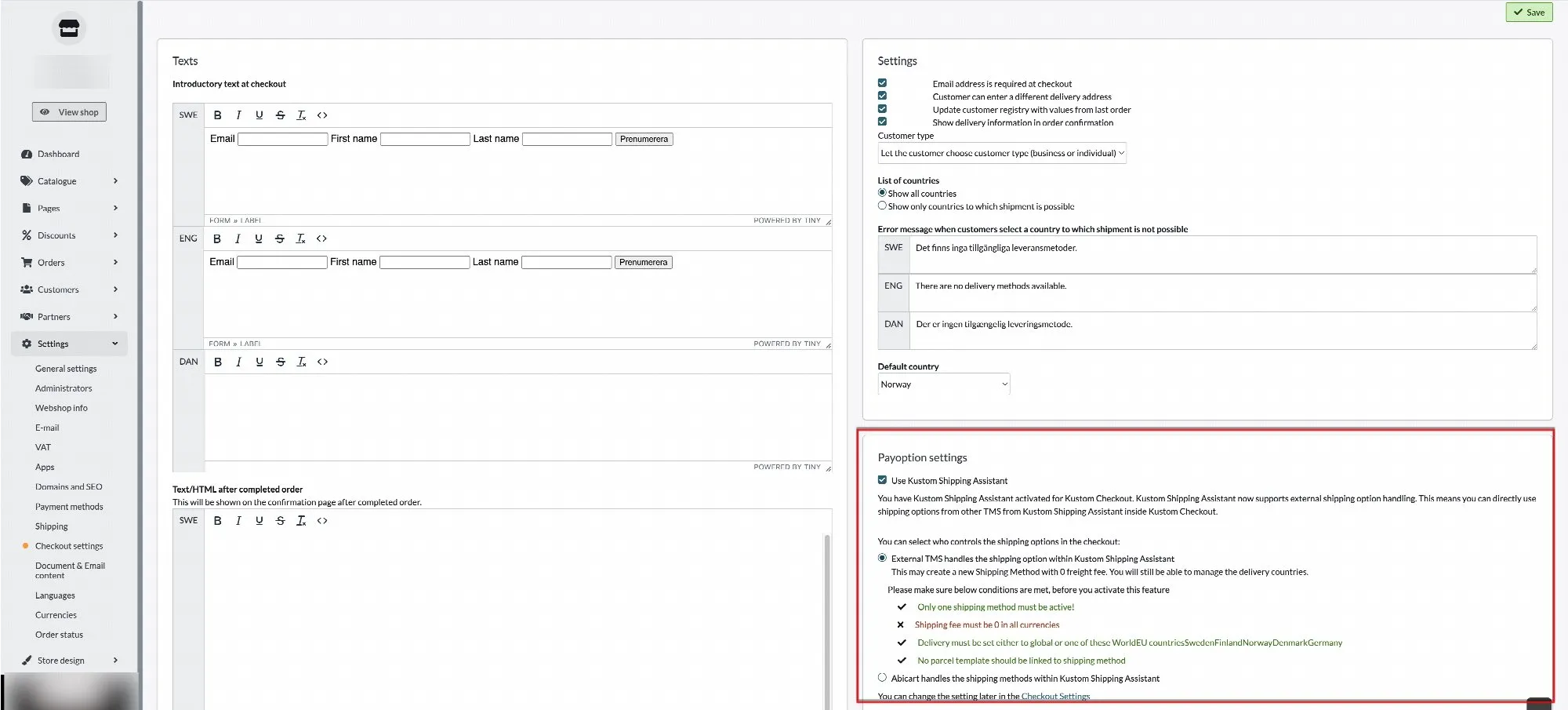
2) Disable Kustom Shipping Assistant (KSA) (skip to point 3 if you don't use KSA).
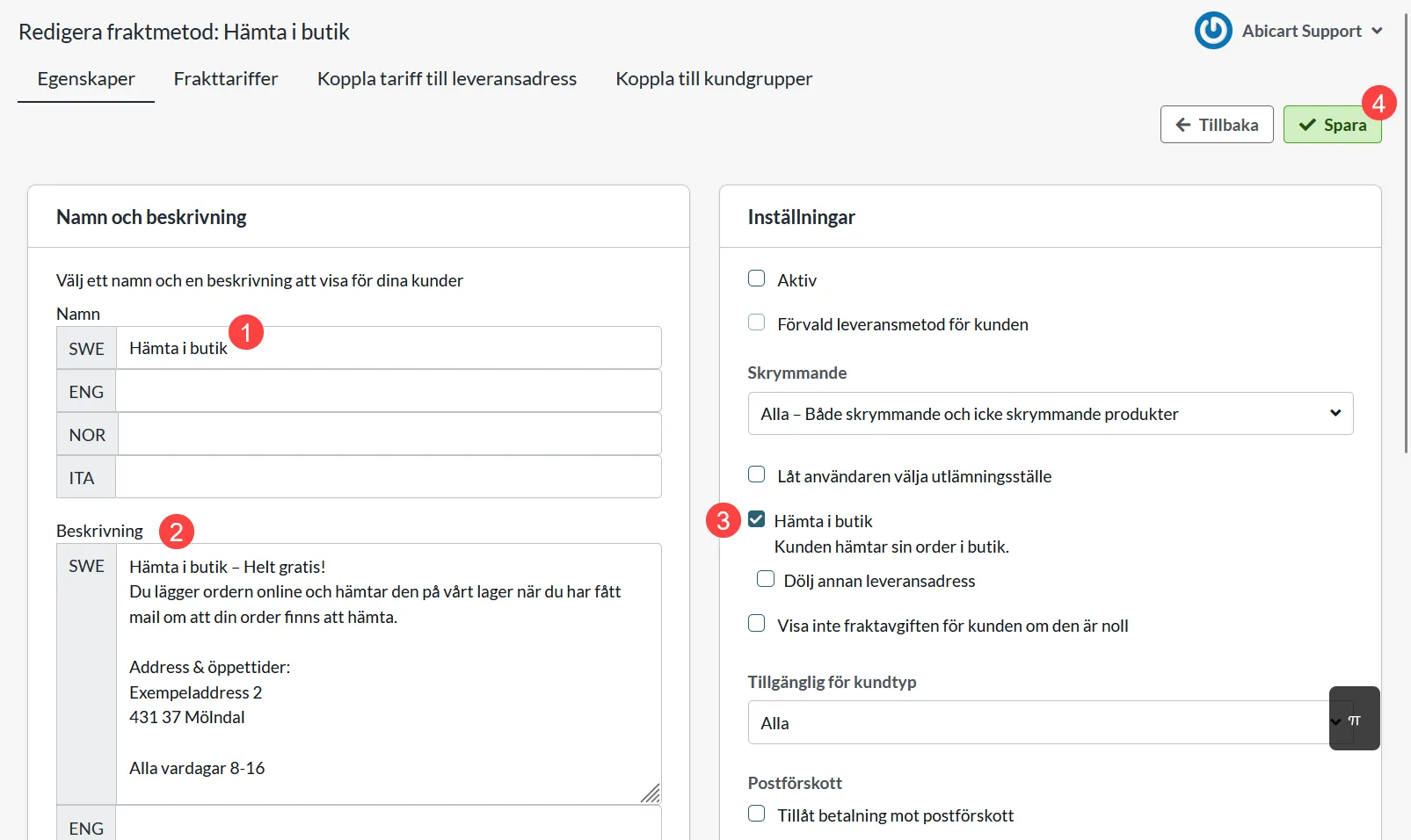
3) Go to Settings >> Shipping and edit the delivery method that should offer delivery to a pickup point.
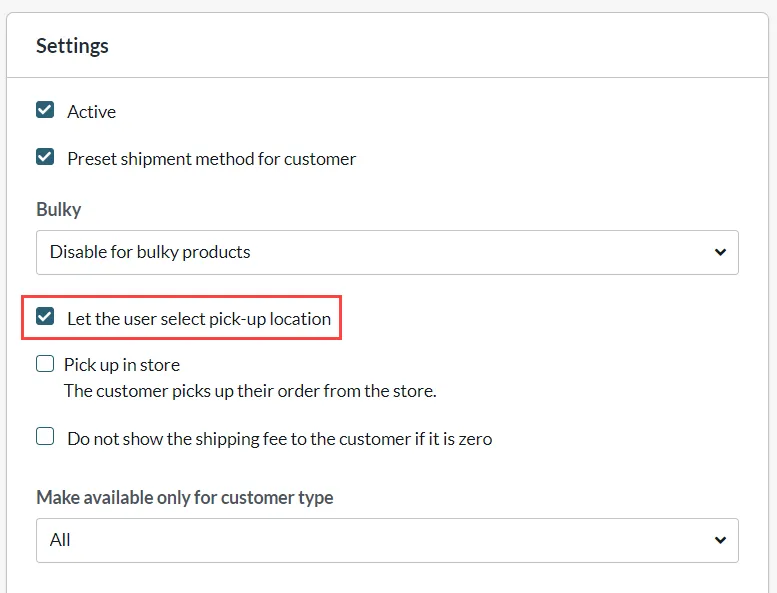
4) Check the box "Let the user select pick-up location" >> SAVE.
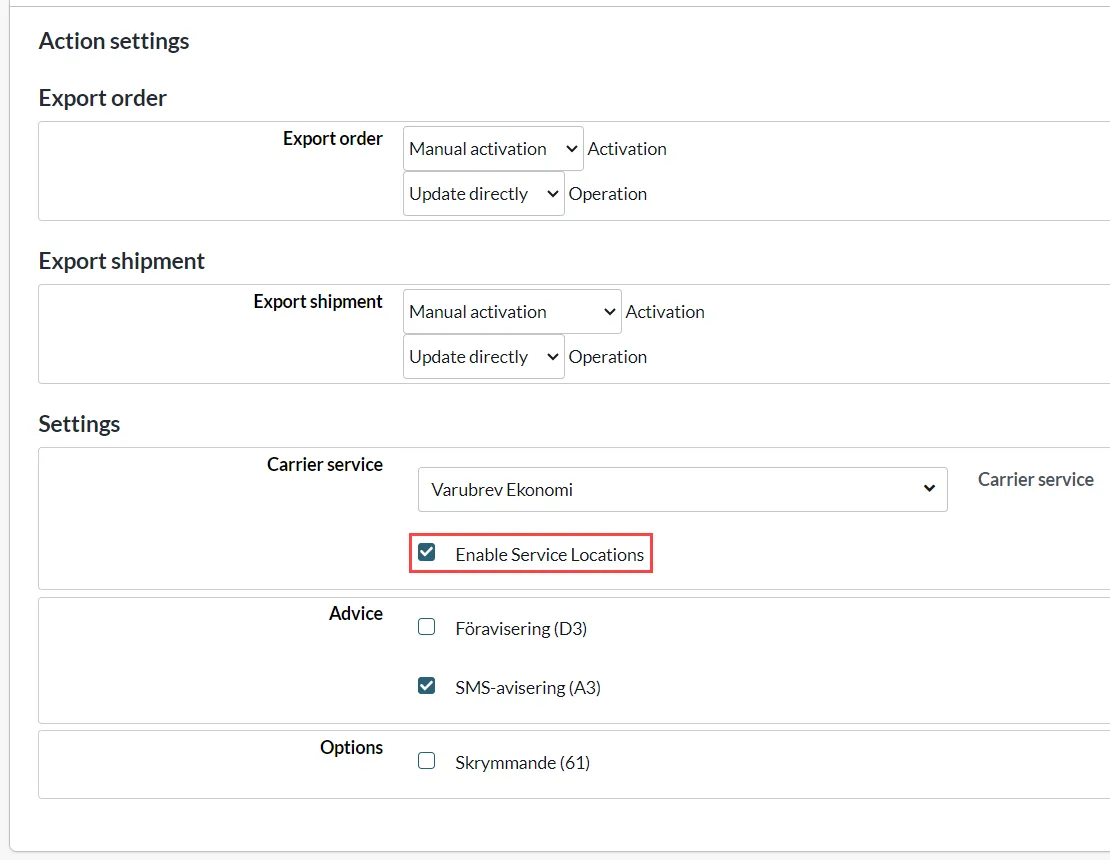
5) Continue down to Postnord TA event settings (Action settings) >> check "Enable Service Locations" >> SAVE
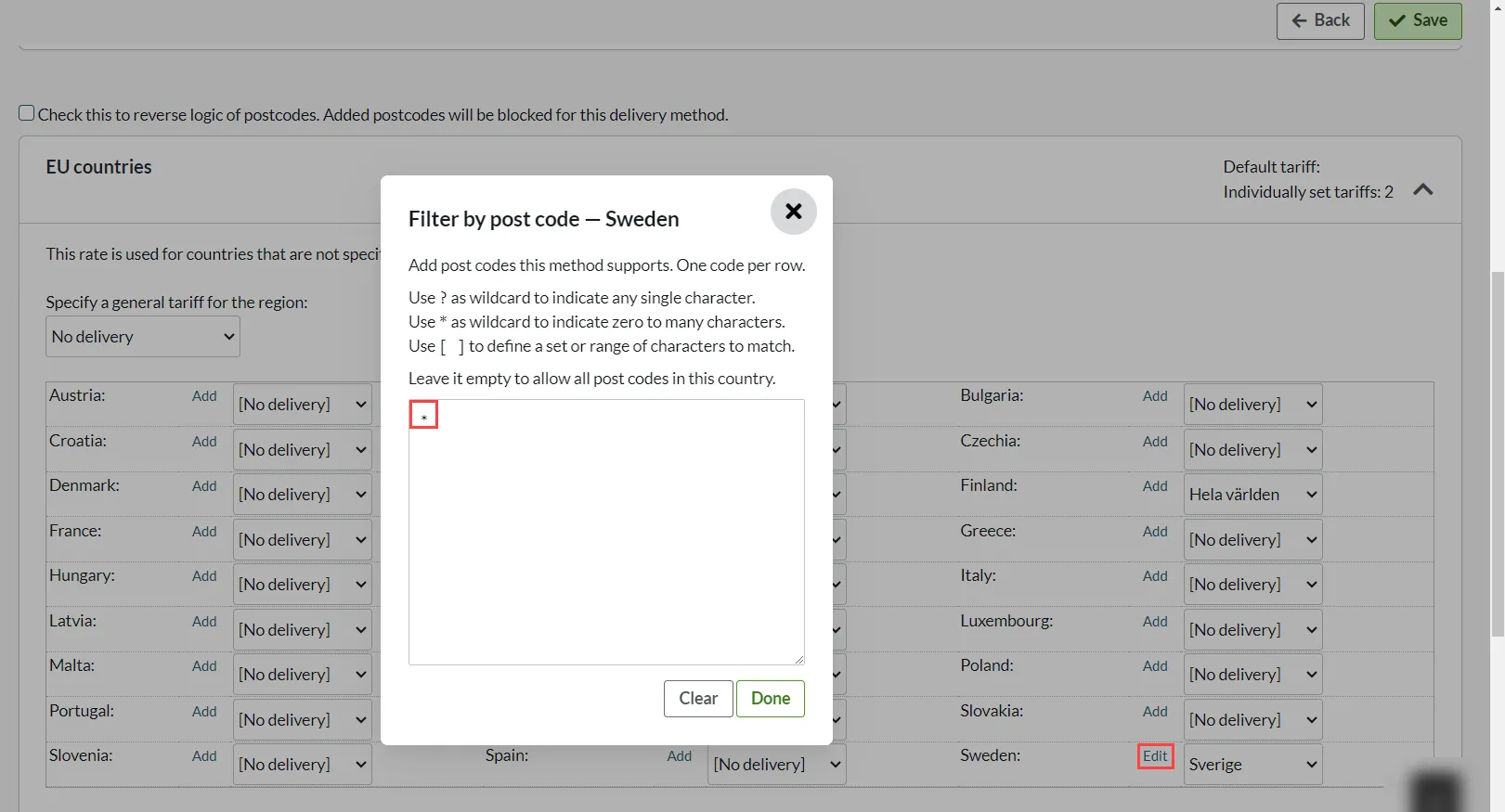
6) Go to Connect rate to delivery address >> Click on EU countries >> Sweden >> Click on "Add" >> Enter * in the postal code field >> Done >> SAVE.
7) Done!