


Web design and image editing
-

Create a "sticky header" in Abicart
27 Nov 2025
Complete your web shop with a sticky header in Abicart! With a sticky header, your customers can easily navigate your website and find the products they are looking for. Abicart offers an easy to use and customizable sticky header that is perfect for improving the user experience. Try it today and see the results!A "sticky header" is a type of web design where a header section on a web page remains visible and fixed on the screen, even when the user scrolls down the page. This can be useful to give the user easy access to navigation links or other important information, without having to scroll up to find it again.To make your header sticky in Abicart, you can add the given CSS code to your site's stylesheet. The code uses the new "sticky" positioning property of CSS, which is available in most modern browsers. This property causes the element to be "stuck" to the screen as long as there is space, but returns to its original position when there is no more space.The given CSS code also defines a "top" property of 0, which means that the header element will be attached to the top of the screen. If you want the header element to be attached at a different position, you can specify a different value for the top property, e.g. "top: 20px" to attach the element 20 pixels from the top of the screen.Finally, the code also defines a "z-index" property of 1000. The z-index is used to determine which element should be displayed on top of other elements on a web page, based on their position in the z-axis (which runs from foreground to background). By setting a high z-index value on the header element, we ensure that it is always displayed on top of other elements on the page, which can be useful if there are other elements that may cover the header element when scrolling.This is how it looks in the code together:.nordic--header { position: -webkit-sticky; position: -moz-sticky; position: -o-sticky; position: -ms-sticky; position: sticky; top: 0; z-index: 1000;}
-

Add or modify content with the css class ::before
27 Nov 2025
Add or replace a text with the pseudo-element ::beforeSometimes you may want to add a text before a price or simply replace a text. We sometimes suggest to our clients that you can use the "News" flag for something else, by slicing another text for that flag, as it can be easily switched on and off. In this example, however, we will change the text for discount to any text. This solution is applied in both the Product Listing and the Product Page.Links:https://www.w3schools.com/css/css_pseudo_elements.asphttps://www.w3schools.com/cssref/sel_lang.phpStep 1: Identify class and locationIdentify which class should have the ::before element. Ideally, it should be on the same class as the original text. Note that since our products can have several different flags, you need to be specific. Looking at the slide above, you can identify that the text is for "Special-offer", therefore it is good to include that class so you are absolutely sure that you only change the text on that specific slide.Step 2: Add a ::before elementNow that we have identified where to put our new text and know that we need to specify that it only applies to the "special-offers" flag, we add the ::before element to the last class. In order for a ::before or ::after element to exist, we need to declare a content: " "; where we write our new text. We also need to define a font-size because we will then hide the original text by setting font-size: 0;Step 3: Hiding the original textOnce we have done the previous step and have our text in place, we will see that the original text is still there. Since our new text is now in a ::before element that has its own styling, we can now adjust only the default generated text. Instead of selecting our ::before, we go back to the class we identified in Step 1 and set font-size: 0; and display:block;. Since in Step 2 we set a custom text size for our ::before element, this element does NOT take up font-size: 0 but retains its size as we set in Step 2.CSS for different languagesIf you have a page with different languages, you need to CSS in a ::before for each language. The easiest way to do this is to use :lang(en) before your classes.Example::lang(en) .tws-article-labels--special-offer .tws-article-labels--label-text::before
-
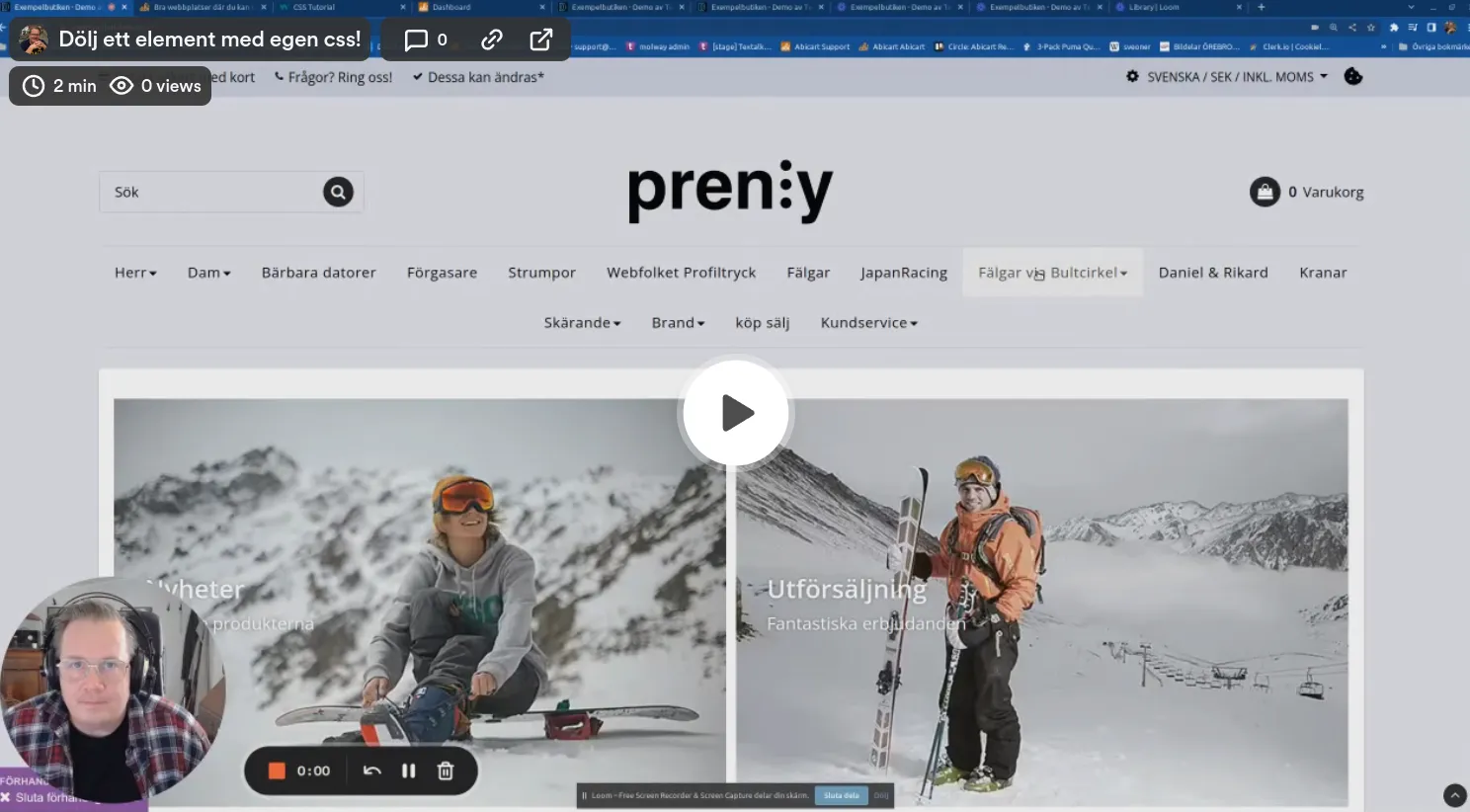
Short movie: hide an element on an Abicart page with custom css
27 Nov 2025
-
Free photos: 21 websites with free stock photos
27 Nov 2025
Free Stock Photos and AI-Generated Images: The Best Resources The world of online imagery has changed dramatically in recent years. In addition to traditional stock photo websites, generative AI now makes it possible to create unique images from written instructions. You can describe the subject, style and format you need, and the service will generate a new image. Many tools can also edit existing images, add or remove objects and create multiple variations of the same concept. Terms, pricing and usage rights vary between services, so always review the current conditions before using an AI-generated image commercially. Some of the most popular AI image-generation services include: ChatGPT Images – creates and edits images through conversational instructions. Midjourney – popular for detailed, artistic and highly stylized images. Adobe Firefly – Adobe’s platform for AI image generation and generative editing. Google Gemini – generates and edits images directly within Google’s AI assistant. Canva AI Image Generator – combines image generation with Canva’s design tools and templates. Ideogram – particularly useful for images containing text, headlines or typography. Leonardo.Ai – offers image generation, editing and tools for maintaining consistent visual styles. AI-generated images can be a useful alternative when you need a unique visual that cannot be found in a traditional image library. Stock photography remains valuable when you need authentic photographs of real people, places or situations. Photography has always been an integral part of design. Below is our updated selection of websites offering free stock photos and other visual resources. Please note that “free” does not necessarily mean free from copyright. Most websites now use their own licenses, and restrictions may apply to redistribution, trademarks, recognizable people and commercial use. Always check the license for the individual image before publishing it. 1. StockSnap.ioStockSnap offers a large collection of searchable, high-resolution stock photos. Its images are available under the Creative Commons CC0 license, and attribution is not required. 2. PexelsPexels provides free stock photos and videos contributed by photographers around the world. Content is governed by the Pexels license rather than CC0. Attribution is not required, but restrictions apply to resale, redistribution and misleading use. 3. UnsplashUnsplash offers a large searchable collection of free photographs and illustrations. Free images are provided under the Unsplash license, while some additional content is available through the paid Unsplash+ service. 4. VecteezyVecteezy provides stock photos, vectors, videos and design resources. The service includes both free and paid content. Free downloads commonly require attribution, so check the license shown on each resource. 5. PixabayPixabay provides photos, illustrations, vectors, videos, music and other media. Content can generally be used and modified without attribution under the Pixabay Content License, subject to its prohibited uses. 6. FoodiesFeedFoodiesFeed specializes in high-resolution food photography. Its images are particularly useful for food blogs, restaurants, recipes and editorial design. 7. GratisographyGratisography offers distinctive and unconventional stock photos that can be used in personal and commercial projects under the site’s own license. Redistributing the original files is not permitted. 8. Freestocks.orgFreestocks.org provides free photographs covering subjects such as people, nature, fashion, food and technology. Images are offered under the Creative Commons CC0 license. 9. PicographyPicography offers high-resolution stock photos contributed by different photographers. The site describes its free collection as CC0 content. 10. FOCA StockFOCA Stock provides free photos, videos and templates for personal and commercial projects. Its collection includes nature, technology, workspace and city imagery. 11. PicjumboPicjumbo offers free and premium stock photos in categories including business, fashion, food, nature and technology. Usage is subject to Picjumbo’s current terms and license. 12. KaboompicsKaboompics specializes in cohesive photo collections for branding, lifestyle, interiors, food and fashion. Standard-license images may be used in personal and commercial projects without attribution. Images marked “Editorial Use Only” have additional restrictions. 13. SkitterphotoSkitterphoto provides photographs created by its contributors and made available as public-domain images under CC0. 14. Life of PixLife of Pix offers high-resolution photography from a community of photographers. Check the site’s current terms before using or redistributing an image. 15. New Old StockNew Old Stock collects vintage photographs from public archives. The images are presented as being free of known copyright restrictions, but rights can vary between archives and countries. Check the original source before use. 16. ISO RepublicISO Republic offers free stock photos and videos covering business, technology, nature, travel and other subjects. Review the current license and any third-party rights associated with the image before publication. 17. StyledStockStyledStock provides free styled photography with an emphasis on fashion, business, lifestyle and traditionally feminine visual themes. Its images may be used commercially without attribution, subject to the limitations in the site’s license.
-

Good websites where you can learn html and css
27 Nov 2025
Why is it good to be able to code in html and css? Knowing the basics of HTML and CSS is a skill that is always good to have when you run a webshop. It also gives you a deeper understanding of how websites and applications work. Here you can read about how custom html/css works in AbicartSome great sites worth bookmarking for all e-tailers!w3schools HTML TutorialHTML is the standard language for web pages. With HTML you can create your own website. HTML is easy to learn - you'll have fun doing it!Read more herew3schools CSS TutorialCSS is the language we use to format an HTML document. CSS describes how HTML elements should be displayed. This tutorial will teach you CSS from basic to advanced.Read more hereCSS-Tricks guidesCSS-Tricks has a very good collection of guides that cover most of what you need to know about CSSRead more hereCodecademyHTML is the foundation of any web page. It defines the structure of a page, while CSS defines its style. HTML and CSS are the beginning of everything you need to know to make your first web page! Learn both and start creating amazing websites.Read more hereLearn CSS - web.devThis course breaks down the basics of CSS into easily digestible, easy-to-understand chunks.Learn more hereLearn to style HTML using CSS (Mozilla)Cascading Style Sheets - or CSS - is the first technique you should start learning after HTML. While HTML is used to define the structure and semantics of your content, CSS is used to design and lay it out. For example, you can use CSS to change the font, colour, size and spacing of your content, split it into multiple columns or add animations and other decorative features.Read more here